For university sales centers
Sales Lab Software
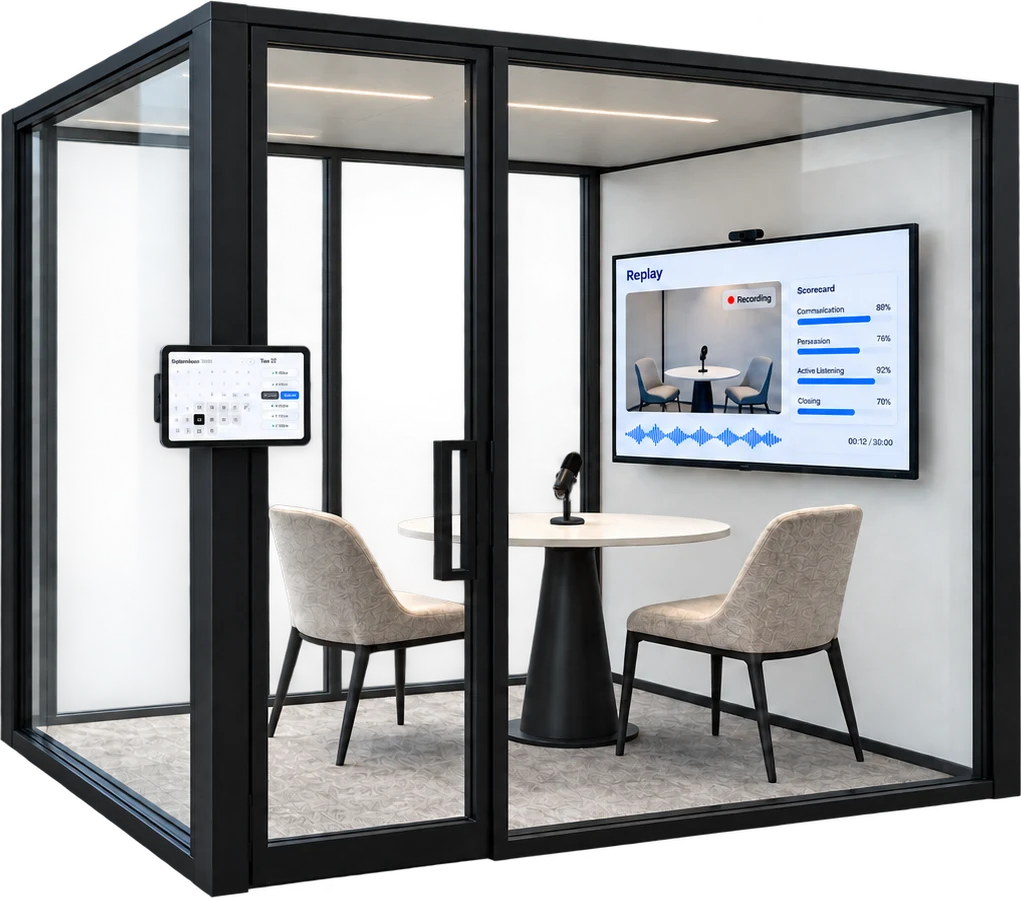
Replay helps sales center directors run every graded role-play through the lab, from the booking to the scored recording, so your staff spends the semester coaching students instead of running logistics.
Sales labs today
Most sales labs run on four tools that don't talk to each other
Booking lives in one place, recordings in another, and files get passed around by email. Then your TAs review every role-play by hand.
A booking tool
Students sign up for rooms in one app.
Recording software
The lab cameras save sessions in another.
Dropbox or Outlook
Someone matches every file to a student and sends it along.
TAs grading by hand
TAs watch every role-play and score it themselves.
With Replay
Replay is the one software system you can use to run your entire sales lab
Nobody on your staff has to move a file or watch a recording to grade it.
Booking
Easy scheduling for your sales lab
Most booking tools are built for one person's calendar. Replay books around your lab: students pick a room and a time for their assignment, and reminders go out before every session.
- Booking by room and by lab
- Automatic reminders before every session
- Rooms, hours, and slot lengths you control
September 2026
Tue 22
Recording
Every session is recorded and filed for you
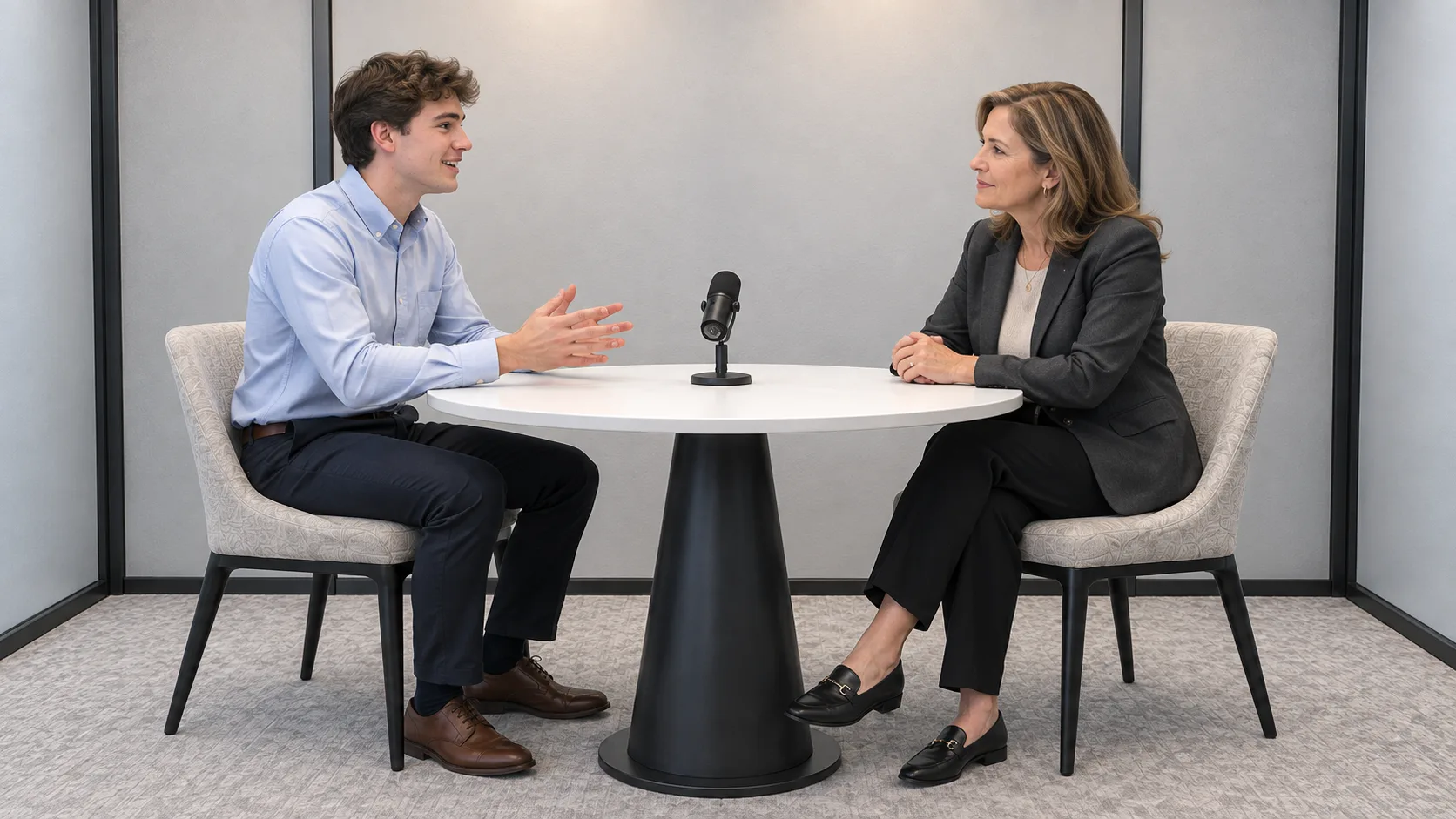
Use the cameras already in your lab rooms, or have students record on a laptop. Either way, the recording lands on the right student's assignment with a transcript, ready to score.
- Works with the recording setup your lab already has
- Laptop recording for rooms without cameras
- Recording, transcript, and score kept together
 Lab A
Lab AReady to start your role-play?
Click Start to begin. Recording starts right away.
StartScoring
Score it yourself, or let AI do it
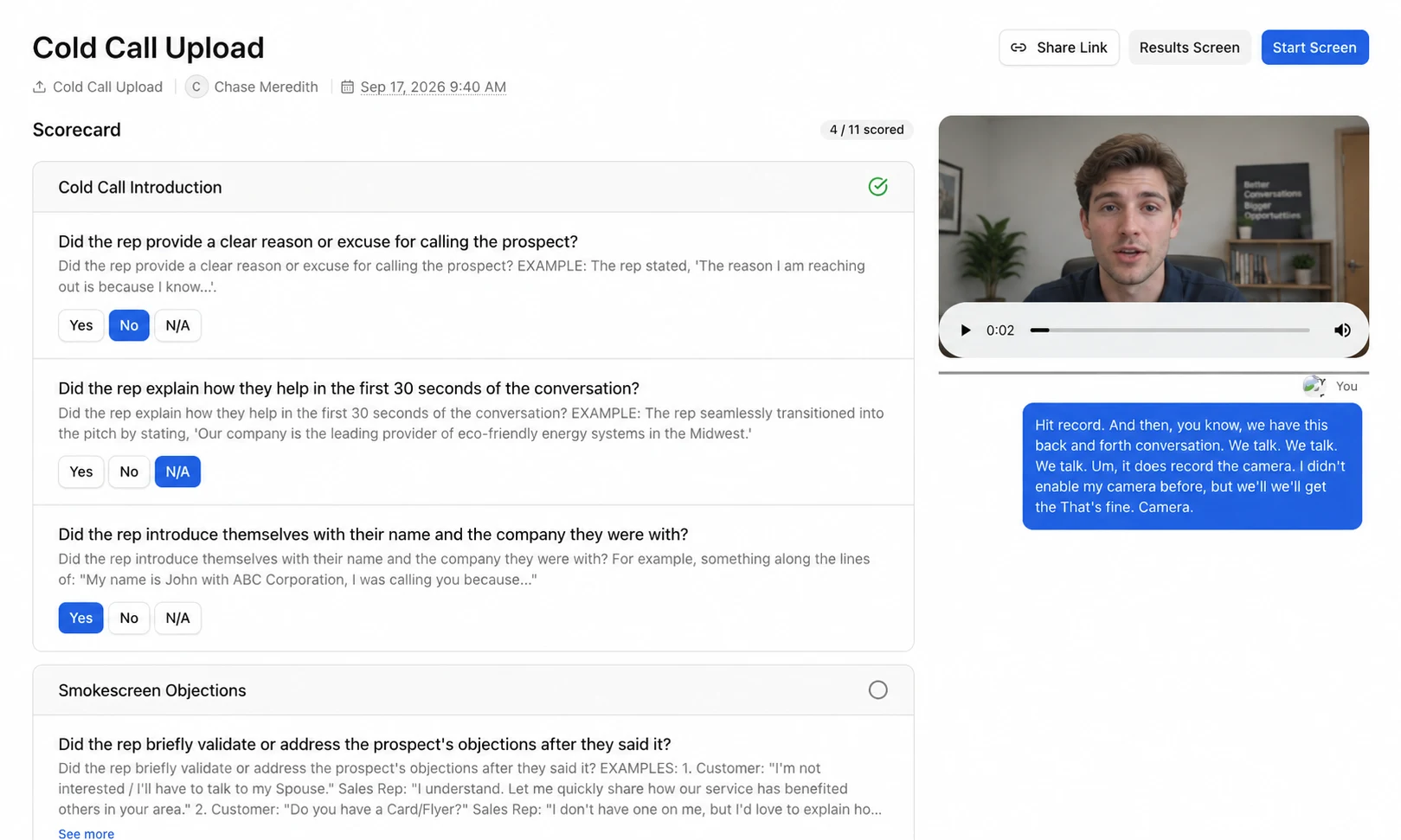
Professors and TAs can score any recording on the same rubric the AI uses. Use AI scoring, your own scoring, or both, and decide which score counts toward the grade.
- Score by hand on your rubric
- AI scoring on the same rubric
- You choose which score goes to the gradebook
AI scoring and analytics
Scores and analytics land in your gradebook
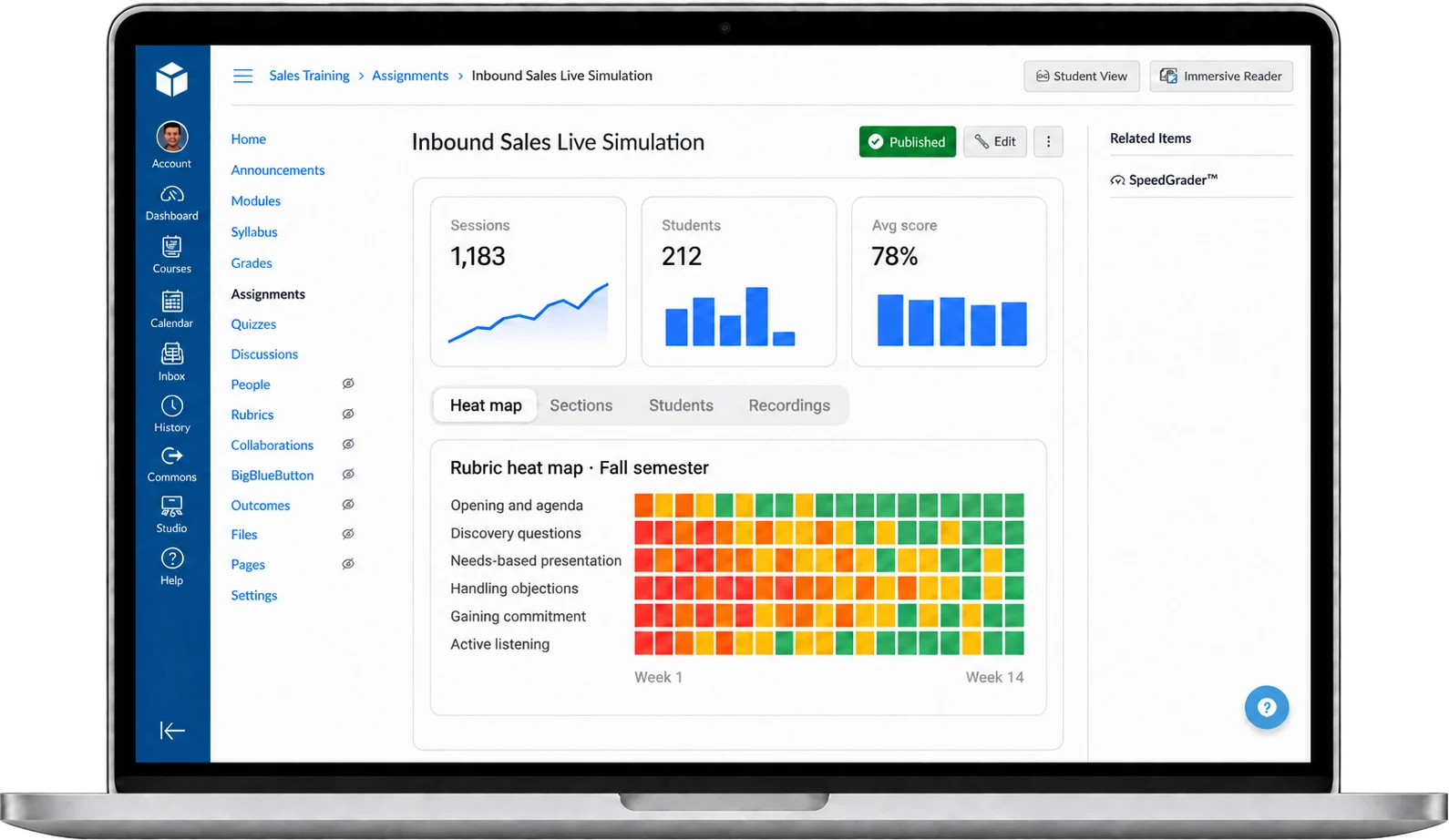
Replay scores every recorded session on your rubric and sends the grade straight to your LMS gradebook. The same scores roll up into analytics by student, section, and skill, so you know who needs coaching before the final.
- Every recorded session scored on your rubric
- Grades sync to your LMS gradebook
- A rubric heat map that shows which skills are improving
Candidate profiles
Share top role-plays with corporate sponsors
Each student can build a public profile of their best lab role-plays and send the link to hiring managers. Managers see the student in a real sales conversation before the first interview.
- A public page of each student's top role-plays
- Rubric scores next to every recording
- One link to send to hiring managers

Jordan Avery
Sales Major · Class of 2027
Top role-plays

Pricing
Booking and recording are free
Run your lab on Replay at no cost. Add AI scoring when you want every session graded on your rubric.
Free
Booking and recording for your whole lab.
- Booking by room and by lab
- Automatic reminders before every session
- Rooms, hours, and slot lengths you control
- Every session recorded on your lab cameras or a laptop
- Recordings filed to the right student and assignment
- One view of who is in which room today
AI scoring
Everything in Free, plus every session scored on your rubric.
- Everything in Free
- AI scoring on your rubric for every recorded session
- Analytics by student, section, and assignment
- Rubric heat map across the semester
- Grades synced to your LMS gradebook
Questions we get
Do we need to buy new cameras?
No. Replay works with the recording setup your lab already has. Rooms without cameras can run sessions on a student's laptop.
Does AI scoring replace professor grading?
No. AI scores every session on your rubric so nothing sits ungraded. Professors, TAs, and peers can score the same recording, and you decide which score goes in the gradebook.
Can we use our own rubric?
Yes. Replay scores against your criteria and point values. If yours isn't written down yet, Replay's AI assistant can draft one from your course materials for you to edit.
Does it work with our LMS?
Yes. Lab assignments embed in Canvas, Blackboard, D2L Brightspace, and Moodle, and grades sync to your gradebook.
Can students practice with AI role-plays before their lab session?
Yes. The same rubric and gradebook cover live lab sessions and the AI role-plays students run on their own, so practice and the graded session line up.
How is it priced?
Booking and recording are free. AI scoring is priced per student, per semester. Book a demo and we'll price it for your program.
See your lab running on Replay
Bring your rubric and your room schedule. We'll walk through what a semester in your lab looks like on Replay.
Book a demo